I Build with AI
and so can you
(Android Edition)


Follow Along


2 Part Workshop
- Part 1: Codelab with Gemini CLI
- Part 2: Hands-on in Android Studio (Panda 4 or newer)
Let's begin Part 1
Codelab with Gemini CLI
Beyond the Buzzwords
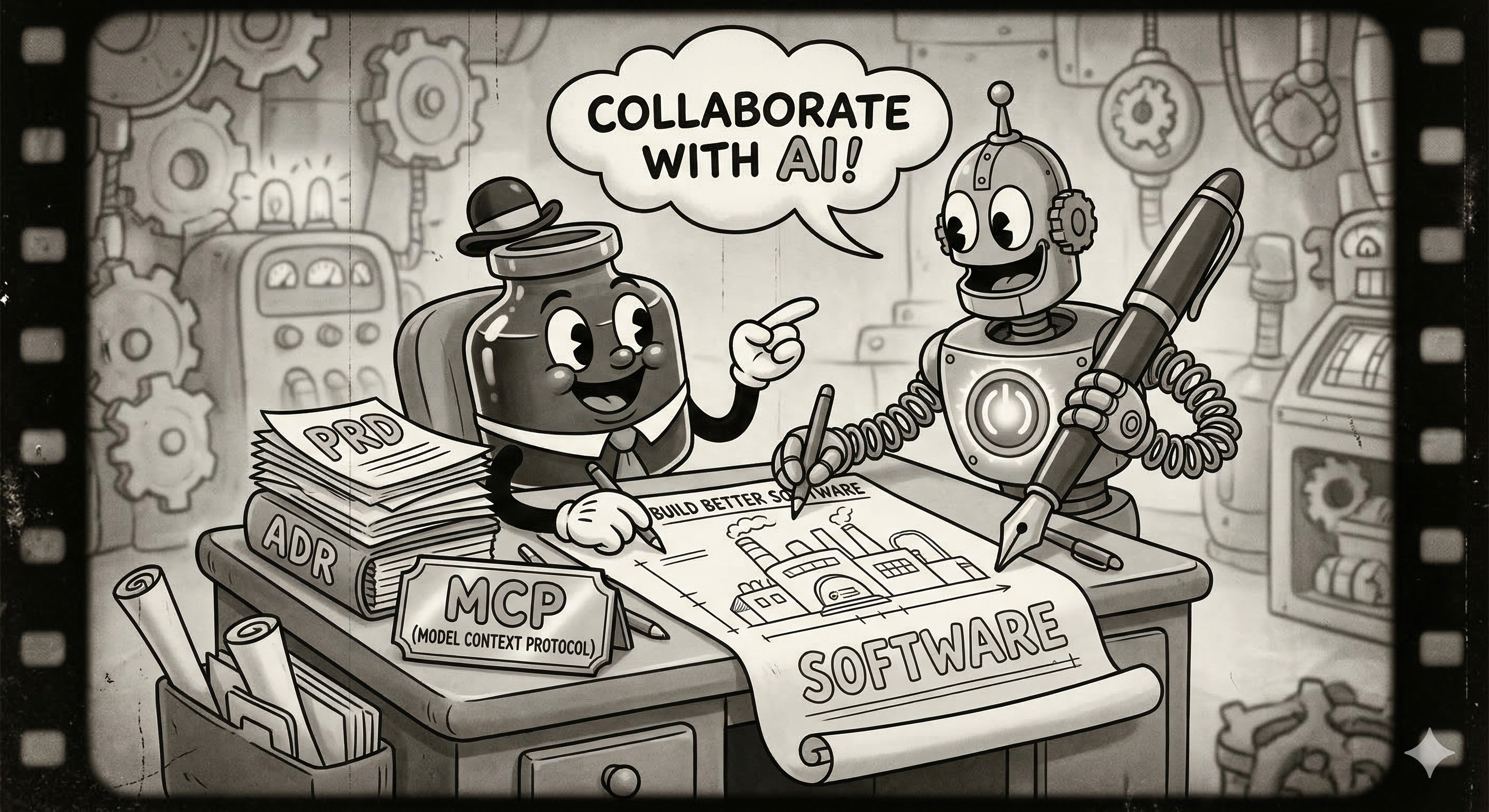
Before we build, let's “demystify” some terms I'm required to include in this presentation.
- LLM: Basically a spicy autocomplete that occasionally lies to you.
- RAG: When the AI doesn't know the answer, so it reads a PDF really fast.
- Agentic: Giving the AI a credit card and hoping for the best.
- MCP: A fancy way of saying “the AI can finally see my files.”

“Ask me relevant clarifying questions, one at a time”
The End of Syntax
Engineering is evolving from writing lines of code to orchestrating complex systems through high-level intent.
- The model generates the implementation.
- The engineer provides the architecture and constraints.
- Focus shifts from how to build it, to what to build.
Why Structure Matters
It's not just prompting; it's about building a solid foundation where your AI partner really gets the vision of your project.
- Structure: The overarching rules, patterns and philosophy of a project.
- Intent: Translating high-level goals into functional, deterministic software.
- Reduces cognitive load by offloading syntax memorisation.
What is a PRD?
The Project Requirements Document (PRD) is the absolute Source of Truth for your AI Agent. If it's not in the PRD, it doesn't exist.
A good PRD should contain:
- Executive Summary & Goals
- Strict Technical Constraints (e.g., “Kotlin & Compose only”)
- Architecture & Spatial Logic
- Success Metrics
Generating the DNA
Don't worry, you don't have to write everything from scratch! You can brainstorm and build your PRD together through a friendly chat with Gemini.
Example Prompt:
Act as a Senior Android Architect.

Create a Product Requirements Document (PRD) for a "Note Taker" Android app and save it to `.gemini/prd/PRD.md`.

Ask me relevant clarifying questions, one at a time
Once generated, save it to .gemini/prd/PRD.md and lock it.
Agent Instructions
If the PRD is your project's heart, the agent instruction is its personality. It defines how your AI partner thinks, acts, and talks to you.
- Role: “You are a hardcore Android UI purist.”
- Action Rules: “Always update files via tools, never output full files in chat.”
- Tone: Concise, professional, no fluff.
Setting the Standards
The Agent file is where you enforce creative constraints. It prevents the AI from falling back on generic, "bootstrappy" designs.
By defining clear aesthetic principles like Visionary, Orchestral, Professional, the agent makes implicit micro-decisions about spacing, typography and animation curves without needing a prompt for every Material component.
Example Prompt:
Create an agent configuration for an AI coding assistant and save it to `.gemini/agents/android-specialist.md`.
Please ensure that the markdown file begins with the following frontmatter:
---
name: Android Specialist
description: A senior Android engineer specialising in Kotlin and Compose.
skills: [state-management]
prompt: "You are a Senior Android Engineer specialising in Kotlin and Jetpack Compose..."
version: 0.1.0
---
What are Skills?
Skills are like handy little playbooks. They teach your AI exactly how to nail a specific task, just the way you like it!
- Stop repeating yourself in prompts.
- Ensure consistency across different projects.
- Create an organizational standard library.
Making a Skill
A good skill document contains strict mandates, code examples, and prohibited patterns.
Example Prompt:
## Mandates
1. Always use StateFlow for ViewModels.
2. Update state atomically using `.update { ... }`.
## Prohibited
- Never use `MutableState` (Compose State) inside a ViewModel.
Remote Skills
Skills don't have to live in your local repo. You can host them remotely and instruct the agent to fetch them.
Example: Fetching https://distribute.kartikarora.me/ai/BRAND-SKILL.1.5.0.md allows a single source of truth for a brand identity across an entire organization's AI tooling.
Time to Build!
Now for the best part! We're going to use all those documents you just created to build your actual app. It's time to see your hard work pay off!
It's time to let the AI do the heavy lifting while you take the lead as the architect. This is where your vision truly becomes reality!
Build a note taker app following these documents:

PRD: @.gemini/prd/PRD.md
AGENT: @.gemini/agents/android-specialist.md
SKILL: @.gemini/skills/state-management.md
Try it out!
To run your app, we'll use Android Studio. It provides a pre-configured environment with everything you need.
- Open Android Studio.
- Open your project folder.
- Wait for Gradle to sync.
- Run the app!
What is MCP?
The Model Context Protocol (MCP) is how AI agents interact with the outside world securely.
Instead of just generating text, an agent can use tools to:
- Read local files directly.
- Execute shell commands (safely).
- Query external APIs dynamically.
Real-world Data
With MCP, your structured AI development isnt limited to what the model memorised in training.
You can tell the agent: “Look at my open Github PR, read the feedback, and implement the requested changes in my local branch.”
The context window becomes a dynamic workspace.
Better Context with Context7
Context7 is an open-source MCP server by Upstash that brings the latest documentation and code examples directly to your AI.
The Challenge:
- AI assistants often rely on outdated training data.
- Deprecated APIs lead to hallucinations and broken code.
- Documentation for new library versions is missing.
How it Works
By simply including “use context7” in your prompt, the agent fetches the most current documentation from source repositories.
- Up-to-date Info: Ensures the AI has current API signatures and patterns.
- Reduced Hallucinations: Accurate documentation means less fake or non-functional code.
- Version-Specific: Retrieve documentation for the exact library version you're using.
It covers thousands of popular libraries and frameworks instantly.
End of Part 1
Let's take a break ☕
Welcome back for Part 2
Gemini in Android Studio
Gemini in Android Studio
Android Studio natively integrates Gemini to boost your productivity. It understands the context of your project.
- Code generation and autocompletion.
- Explaining complex code and analyzing crashes.
- Generating Compose UI from images.
Let's dive into some of the most powerful features.
Agent mode
The Agent mode allows you to prompt Gemini directly in Android Studio to make code edits across your project.
- Agentic capabilities: Allows Gemini to modify files and execute tasks on your behalf.
- Provide multi-step instructions and Gemini will propose the diffs.
- Review the changes in a familiar diff view before applying.
Prompt Gallery
Save time by creating reusable prompts for common tasks.
- Standardise workflows: Create prompts for code review, documentation generation, or specific refactoring patterns.
- Share prompts with your team to ensure consistency.
- Quickly access them from the Gemini chat window.
MCP Server Support
Android Studio allows you to define a different harness for the Model Context Protocol.
- Connect Android Studio's Gemini to external data sources.
- Provide specific context tailored to your organisation's tools.
- Differs from the CLI approach by integrating directly into Android Studio's capabilities.
Generate Unit Tests
Writing tests can be tedious. Gemini can help you get started quickly.
- Right-click on a class or function and select AI > Generate Unit Tests.
- Gemini will analyse the code and create a suite of test cases.
- You can then refine and add specific edge cases.
Generate UI from Image
Turn a mockup into code in seconds.
Generate Compose Previews
Easily visualise your Composable functions without running the app.
- Gemini can automatically generate
@Previewfunctions for your UI components. - It will create sensible mock data to populate the preview.
- Saves time setting up repetitive preview configurations.
Analyze Crashes
When your app crashes, Gemini can help you understand why.
- Click Fix with AI in the Logcat window.
- Gemini will analyse the stack trace and the relevant code.
- It will explain the cause of the crash and suggest potential fixes.
Conclusion
AI doesn't replace engineering; it amplifies it. By focusing on structure and intent, you're not just coding—you're architecting at a higher level.
- Architecture over Syntax: Define the system, let the model handle the boilerplate.
- Clear Intent: High-quality prompts lead to deterministic outcomes.
- MCP & Context: Give your agents the real-world data they need.
The Future of Engineering
“Build with Intent. Lead with Structure.”
The real magic of engineering is shifting from memorising syntax to creative problem solving and leading your AI team with a clear vision. You've got this!
Dig Deeper
Keep the momentum going with these great resources:
- Android Skills: github.com/android/skills
- Google Skills: github.com/google/skills
- MCP Protocol: modelcontextprotocol.io
- Context7: github.com/upstash/context7
- Gemini in Android Studio: developer.android.com/studio/gemini/features
Happy building!